
Devices
We teach boys to use technology confidently, creatively, and safely, with clear expectations for behaviour online at school and at home.
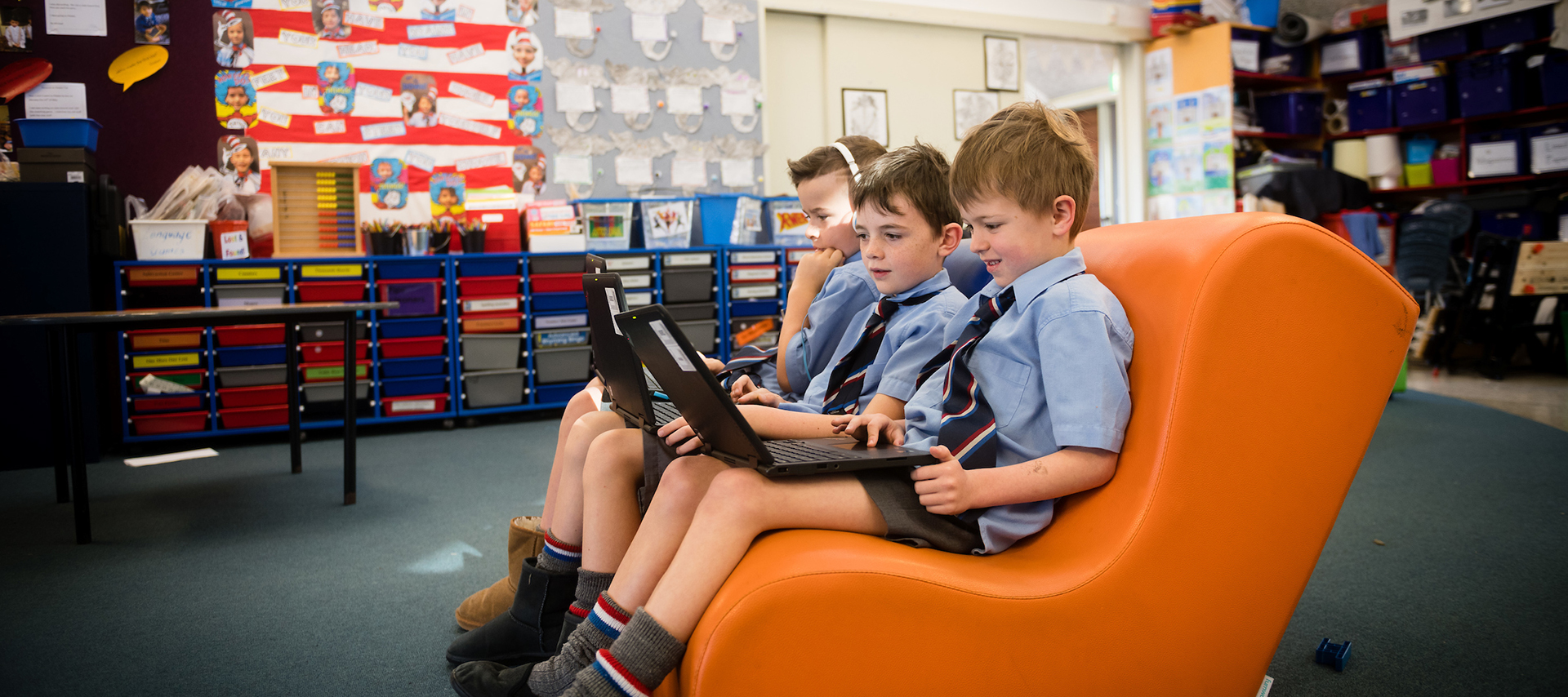

Tools to enrich learning
Wellesley’s digital strategy centres on using digital technology to enrich and enhance teaching and learning. Through a 1:1 device programme, students engage in personalised, critical, and creative learning experiences. Classrooms are fully networked and equipped with interactive display panels.
Years 1-4 students are provided with school devices.
Years 5-8 follow aBring Your Own Device (BYOD) model.
BYOD requirements for Years 5-8
When purchasing a device, please check the specifications below, or visit our ICT partner, Cyclone. Select ‘Wellesley College’ from the drop-down list to see an approved list of devices. After enrolment, the school can provide you with a login to the Cyclone website to purchase devices that meet the school’s requirements. Our on-site technician is available to set up your son’s machine to meet the network and filtering requirements.
If you already have a device at home, please ensure it meets these specifications:
- 9-hour battery life — charging at home for a full day’s use at school
- 11″ screen size minimum
- Touch screen capabilities, with a stylus preferred
- Physical keyboard (for posture and screen-based work)
- Instant start up
- Ability to use Office 365 platforms
- Easily portable
- Please do not set up your machine prior to bringing it to school for set up.
- We prefer devices not be running the S mode version of Windows.
Digital safety
Wellesley is committed to online safety and responsible digital citizenship. We have partnered with Linewize for both onsite and offsite filtering including Qustodio, enabling families to filter and monitor device usage when off site. The school offers an Online Safety Hub with resources for students and families on topics like social media, gaming, screen time, and cyberbullying.
All students and families review and sign our acceptable use agreement. This outlines how devices and online services are to be used, how we protect privacy, and the steps we take if expectations are not met. We revisit these expectations with students through the year.